Monthly
$6.99 per month
Cancel anytime.
Start free trialAppTraction brings Apple App Store Connect analytics to your Mac and turns data into answers. Get insights, spot problems, and chat with your data using AI.
Free for 14 days. Requires macOS 26 Tahoe or later.
Got a beta invite? Download the beta
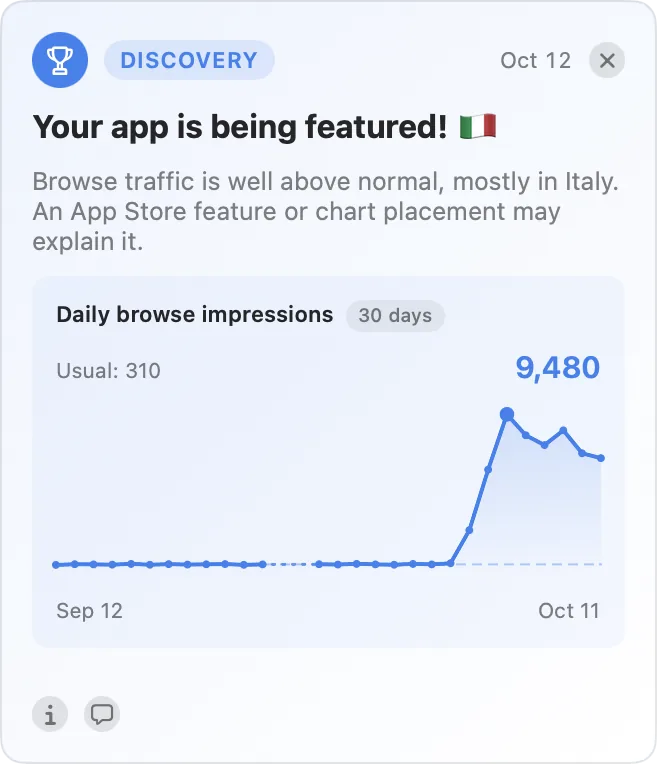
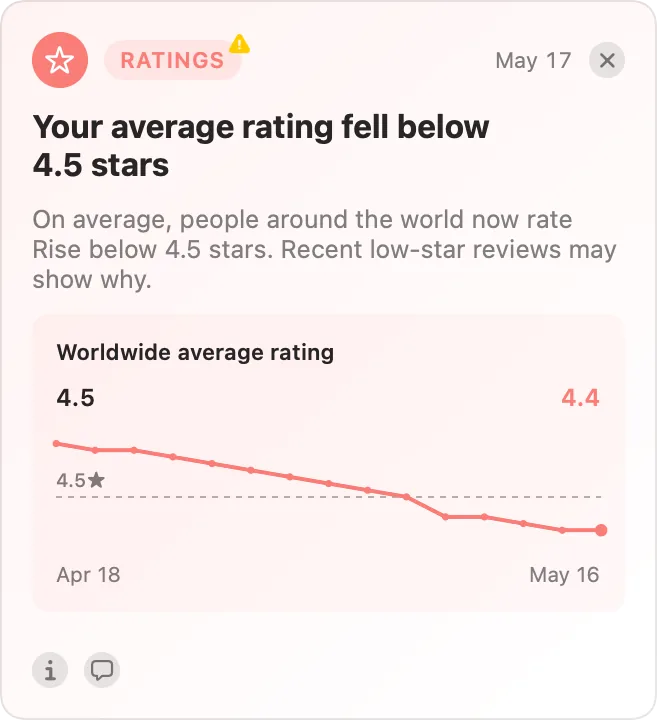
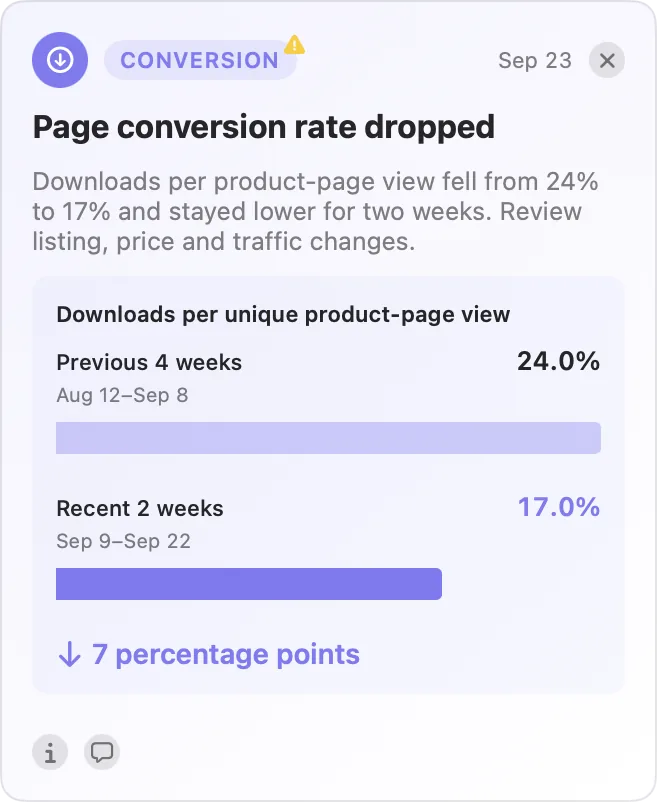
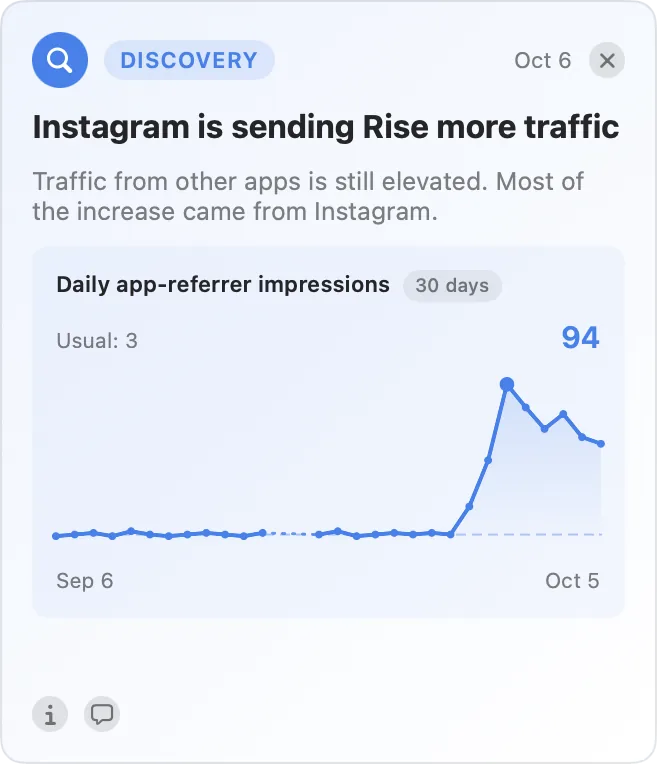
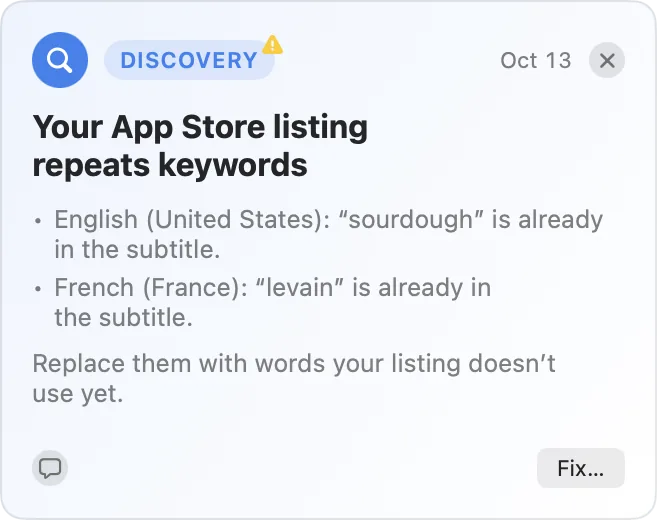
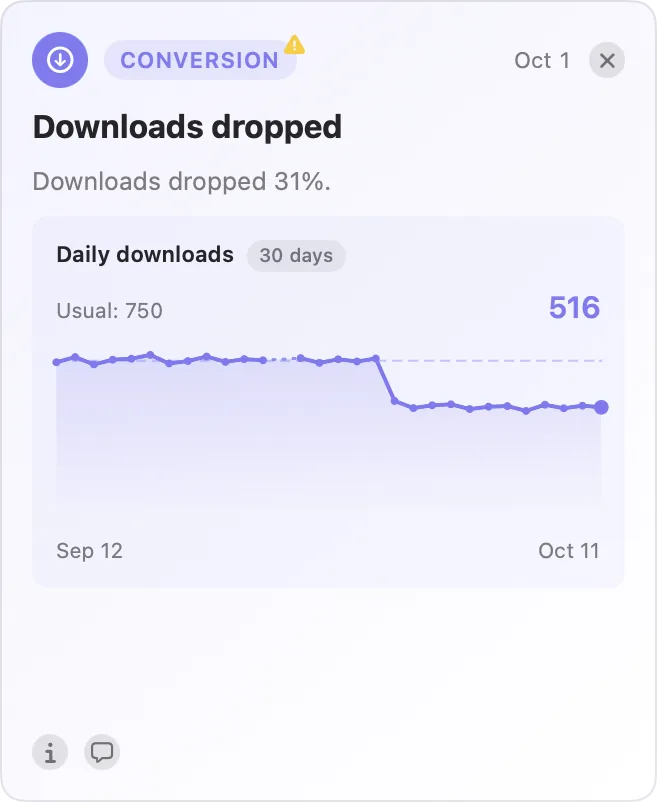
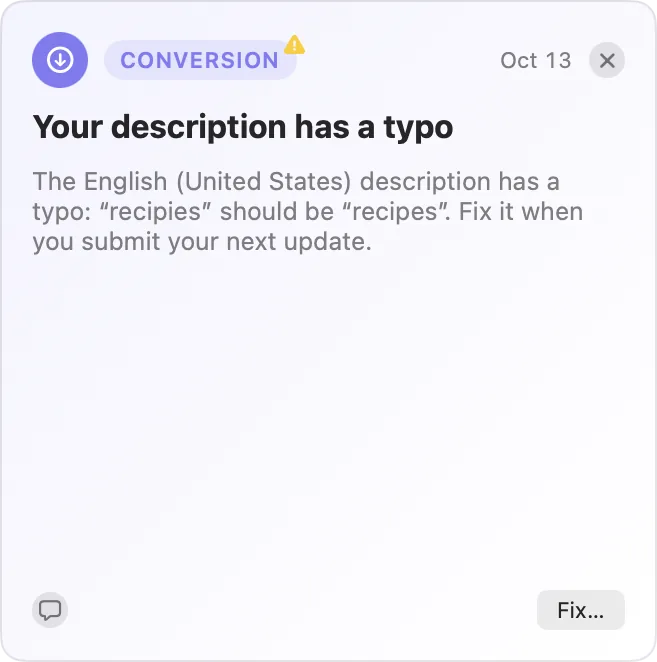
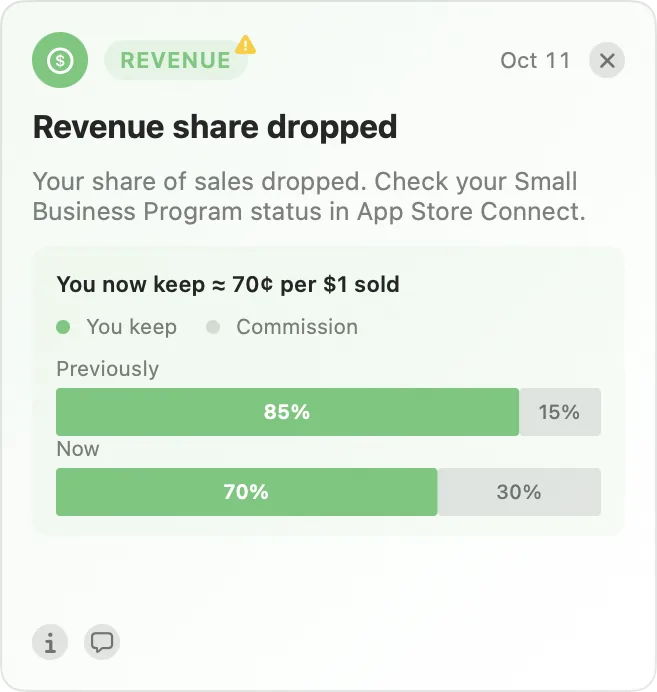
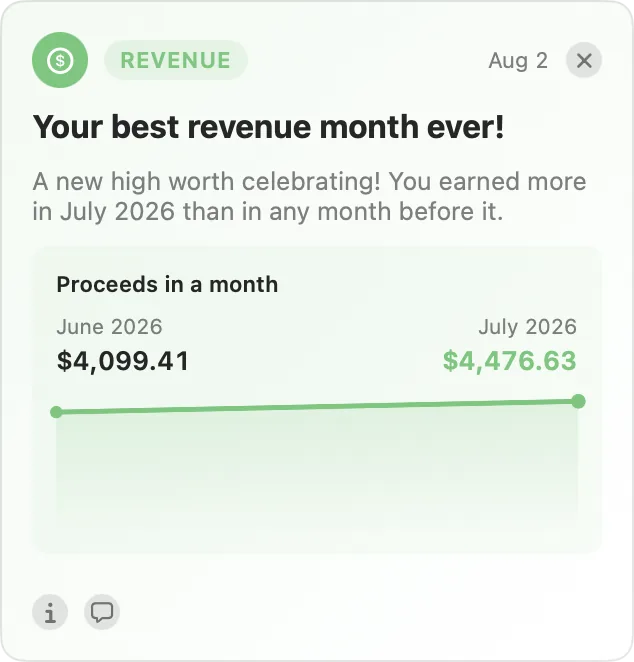
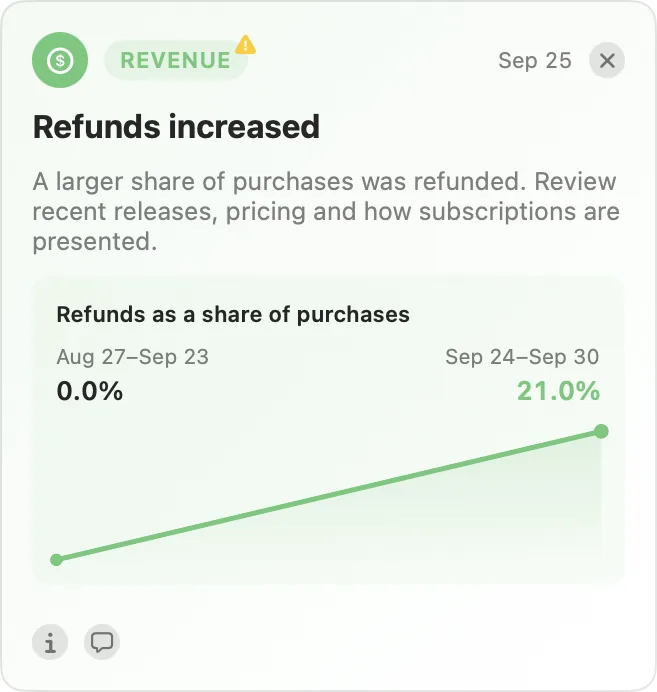
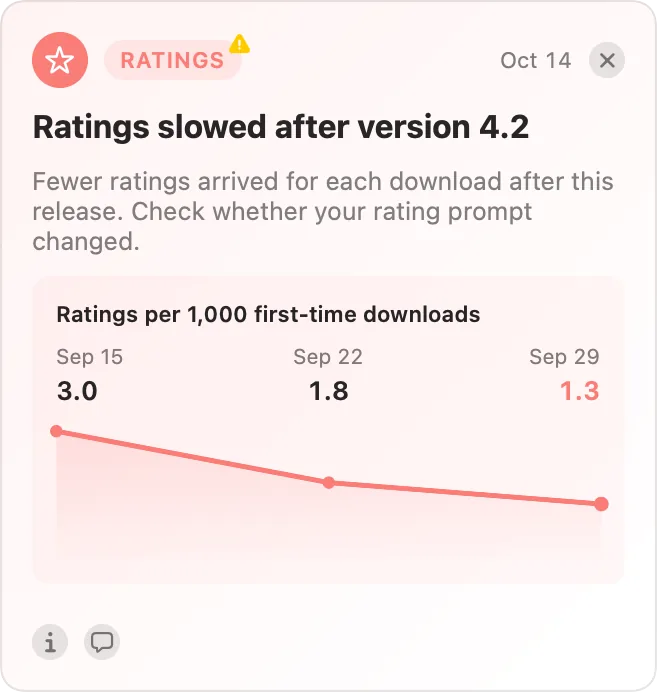
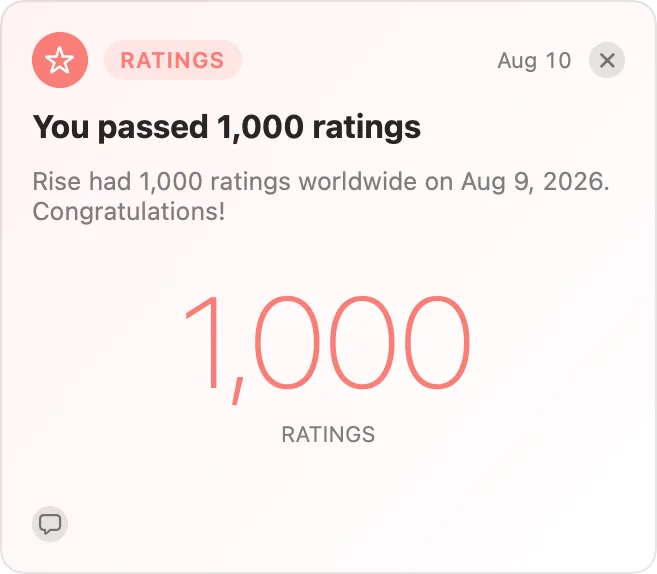
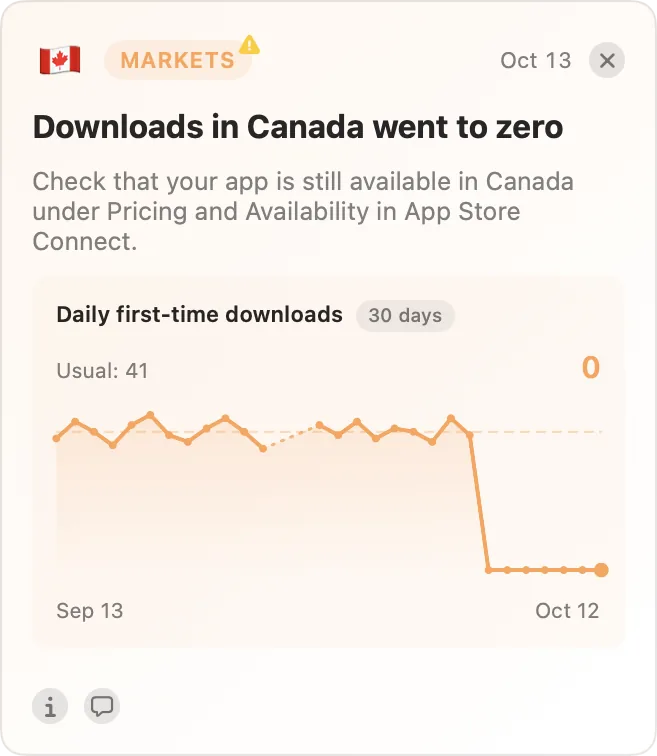
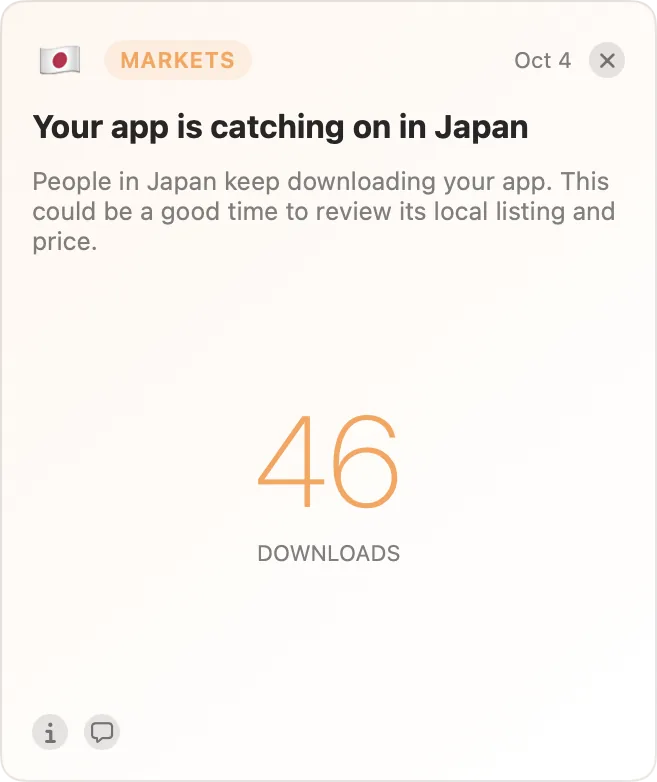
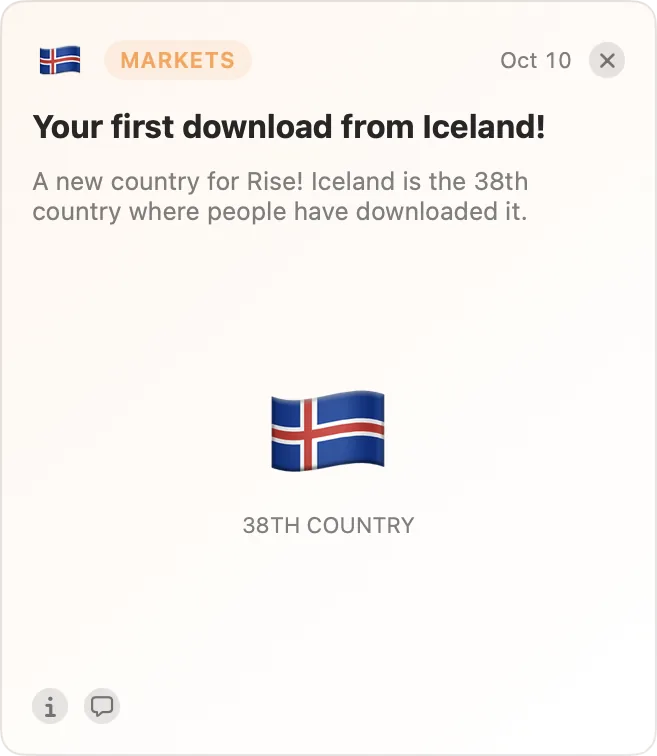
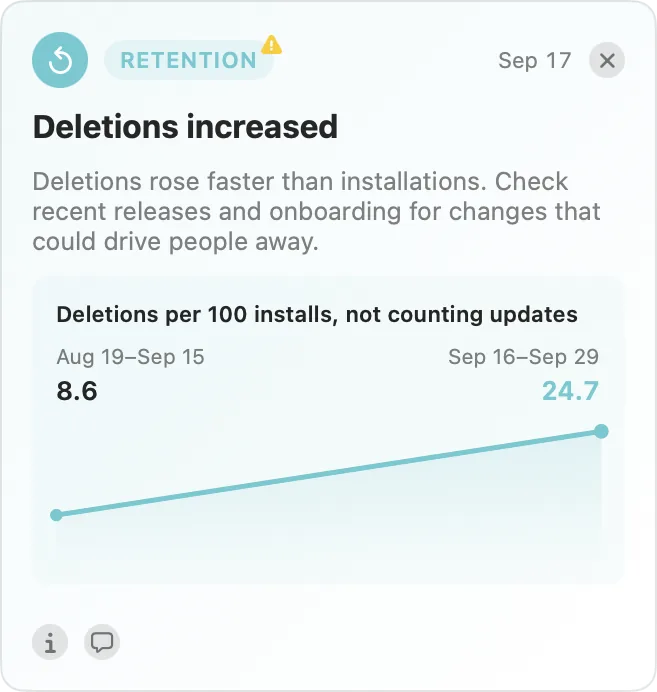
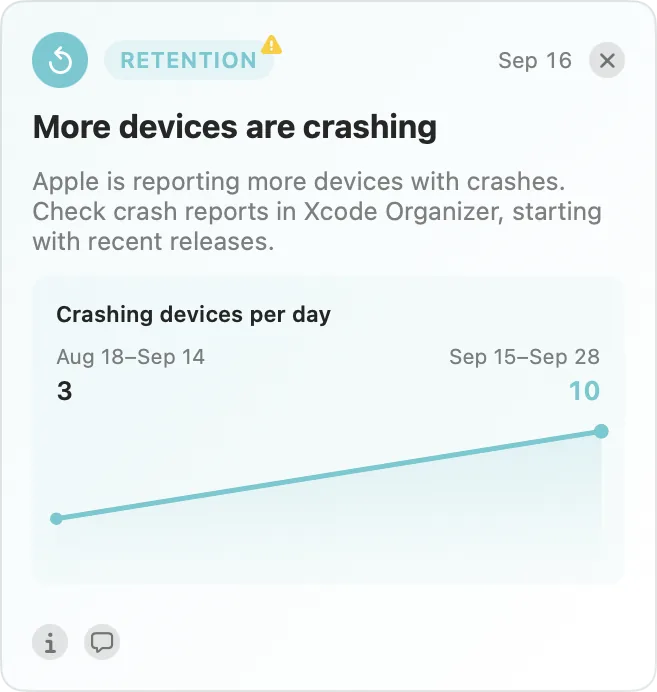
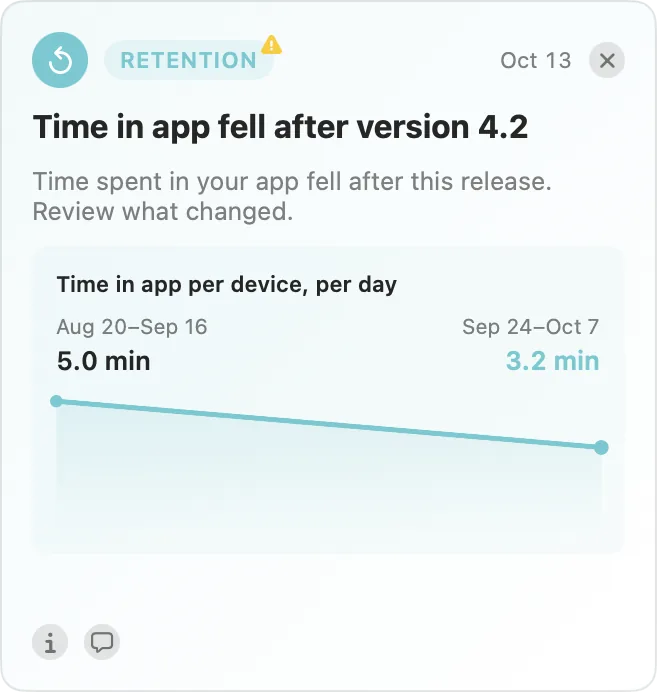
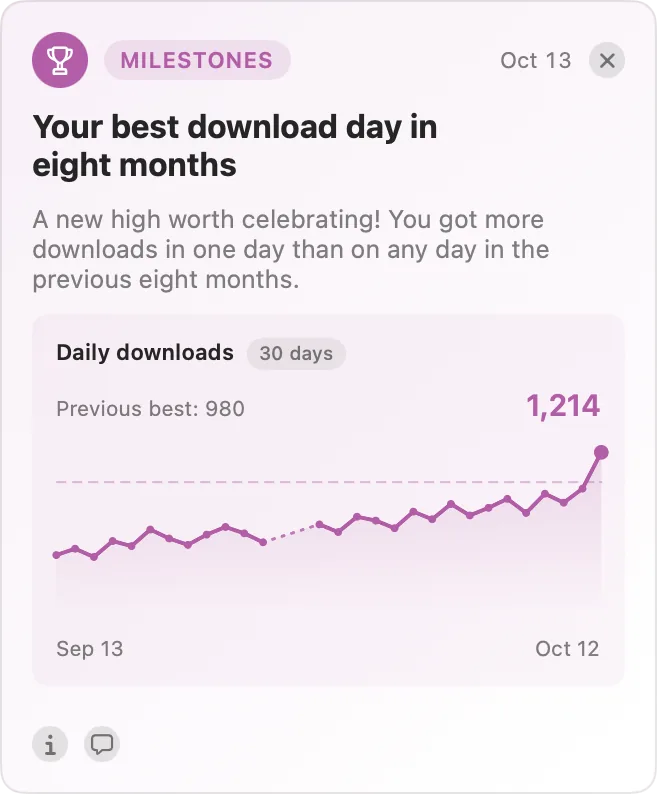
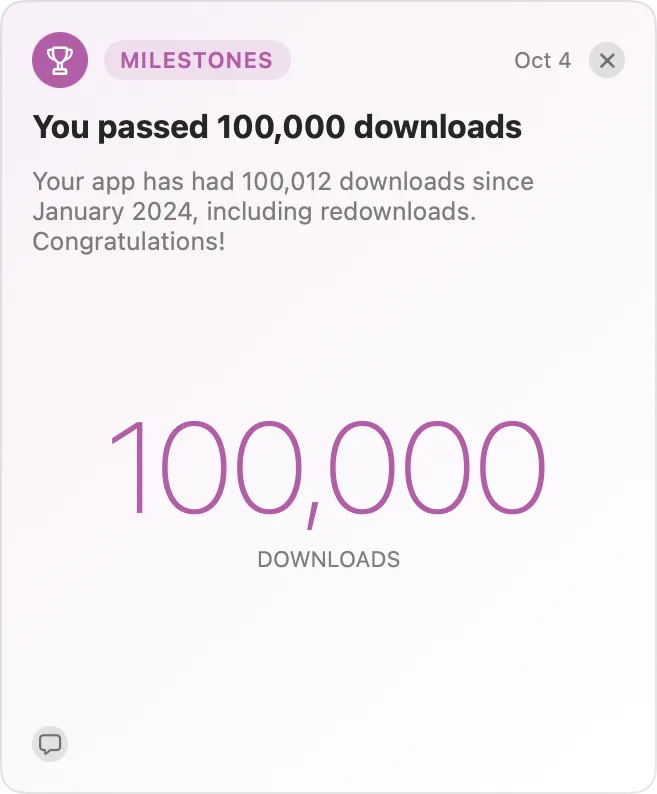
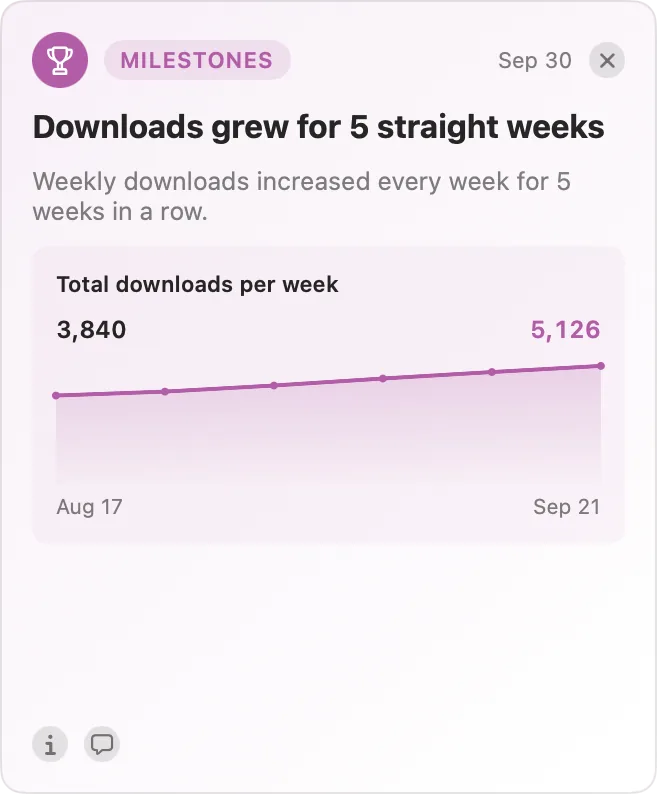
AppTraction monitors your apps in the background, continuously checking for potential issues, trends, and milestones. It includes over 50 types of insights. Select a category below to see some examples.
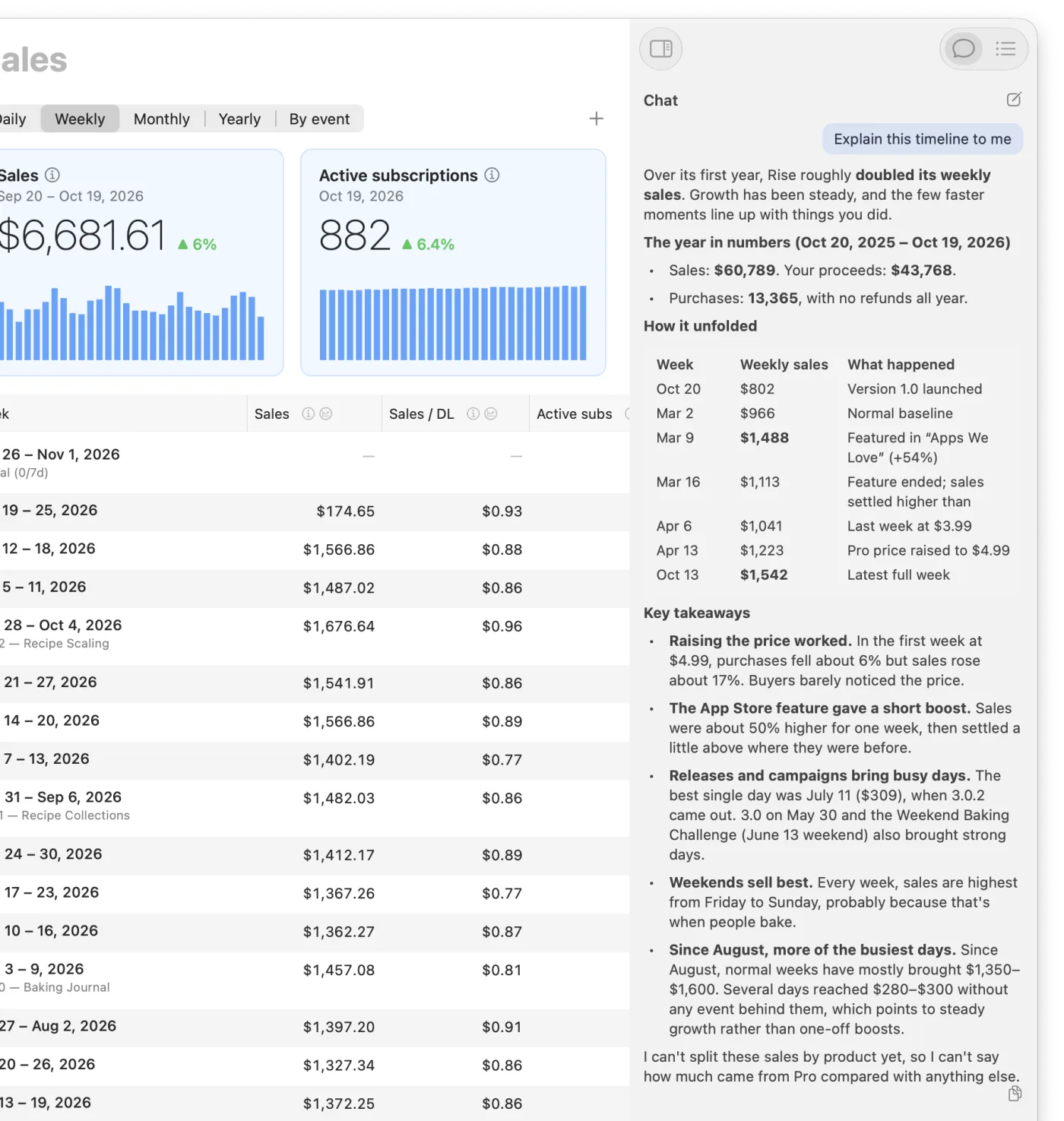
Open a chat anywhere in the app and ask about anything in your own words. AppTraction’s AI reads your metrics, releases, and events, then replies with useful actionable answers.
Why did sales jump in March?
Did 4.2 help conversion?
Explain this timeline to me
It’s also primed with App Store Optimization know-how from Apple’s WWDC sessions, tech talks, and years of hands-on experience.
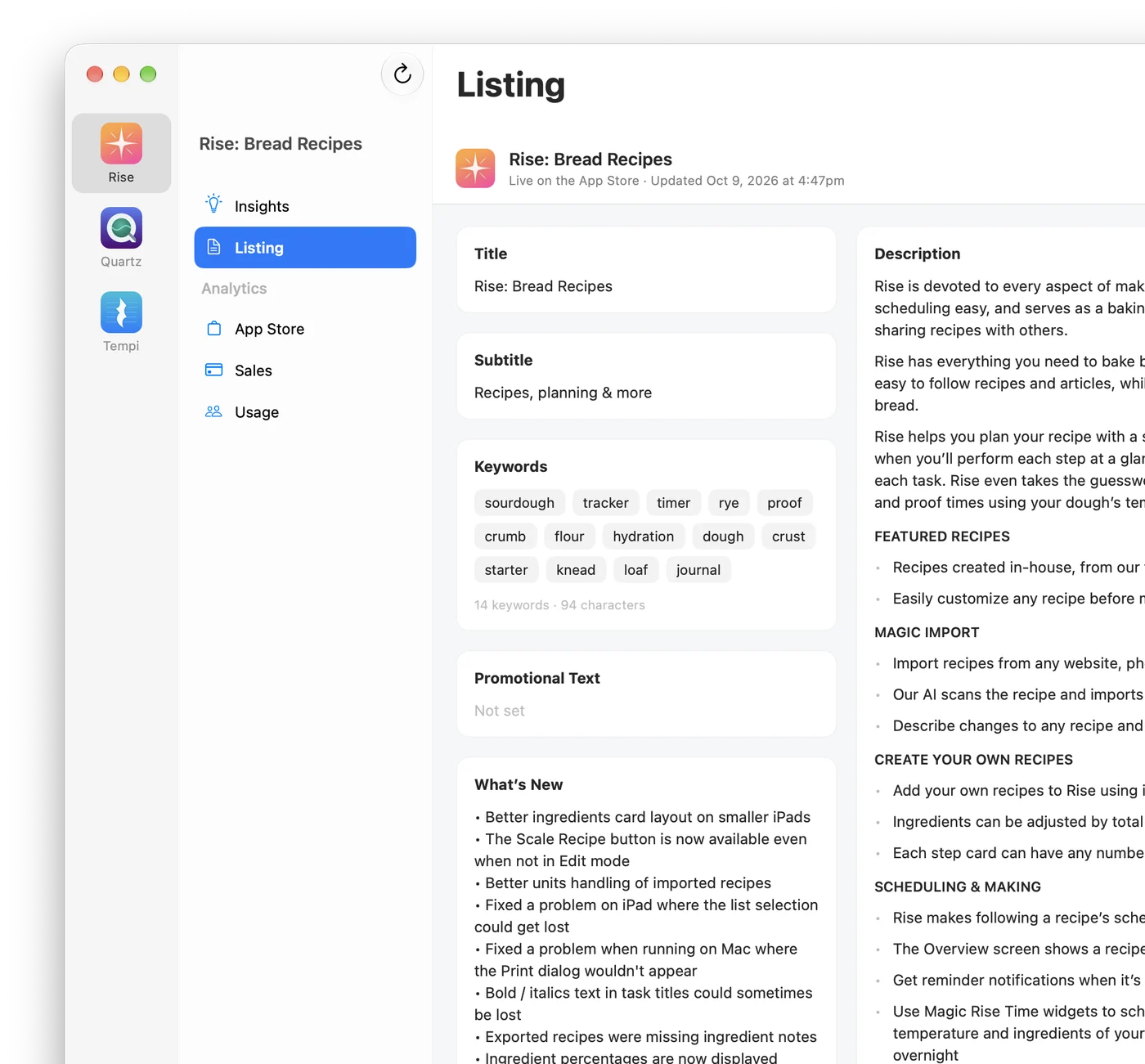
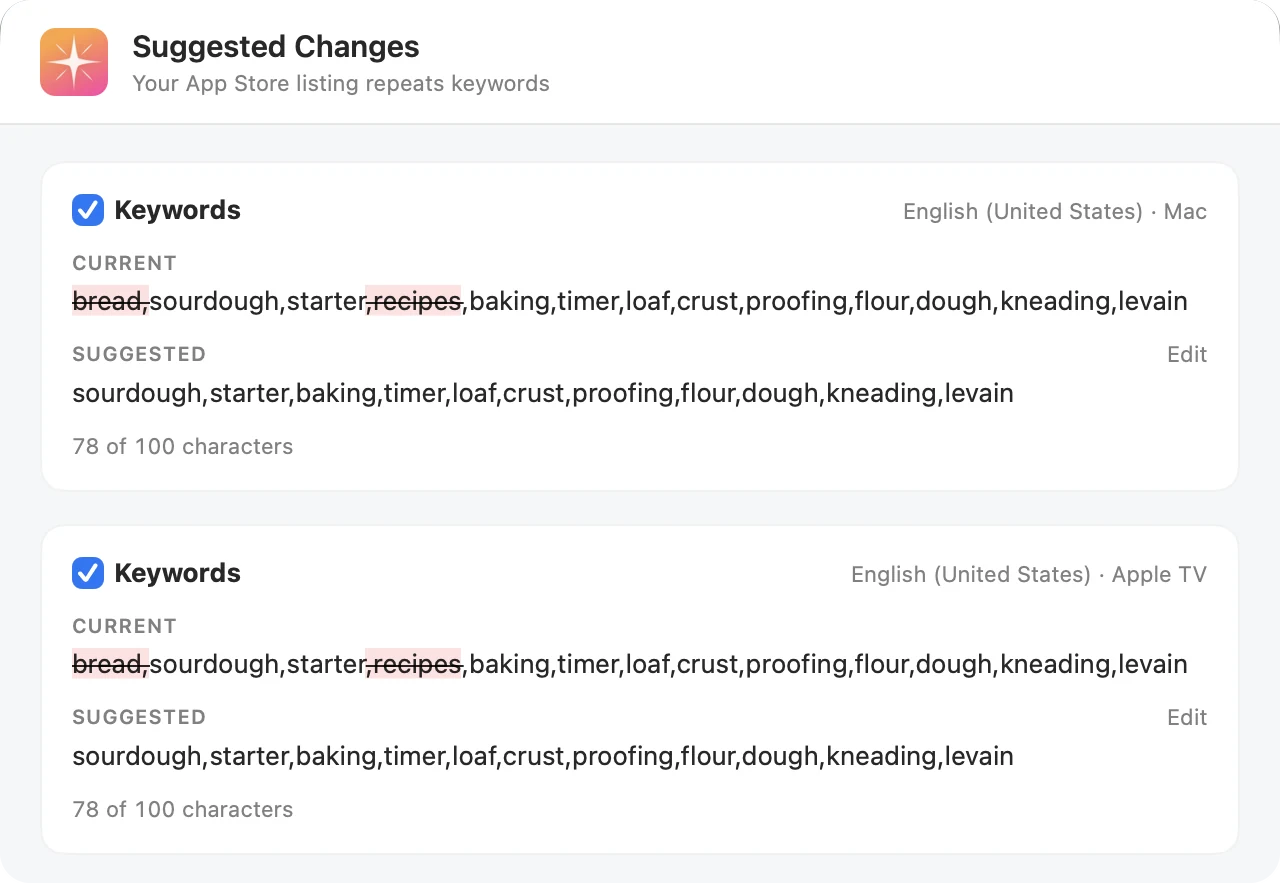
When AppTraction finds a problem with your App Store listing, it will suggest fixes and, once you approve them, apply them directly to App Store Connect.
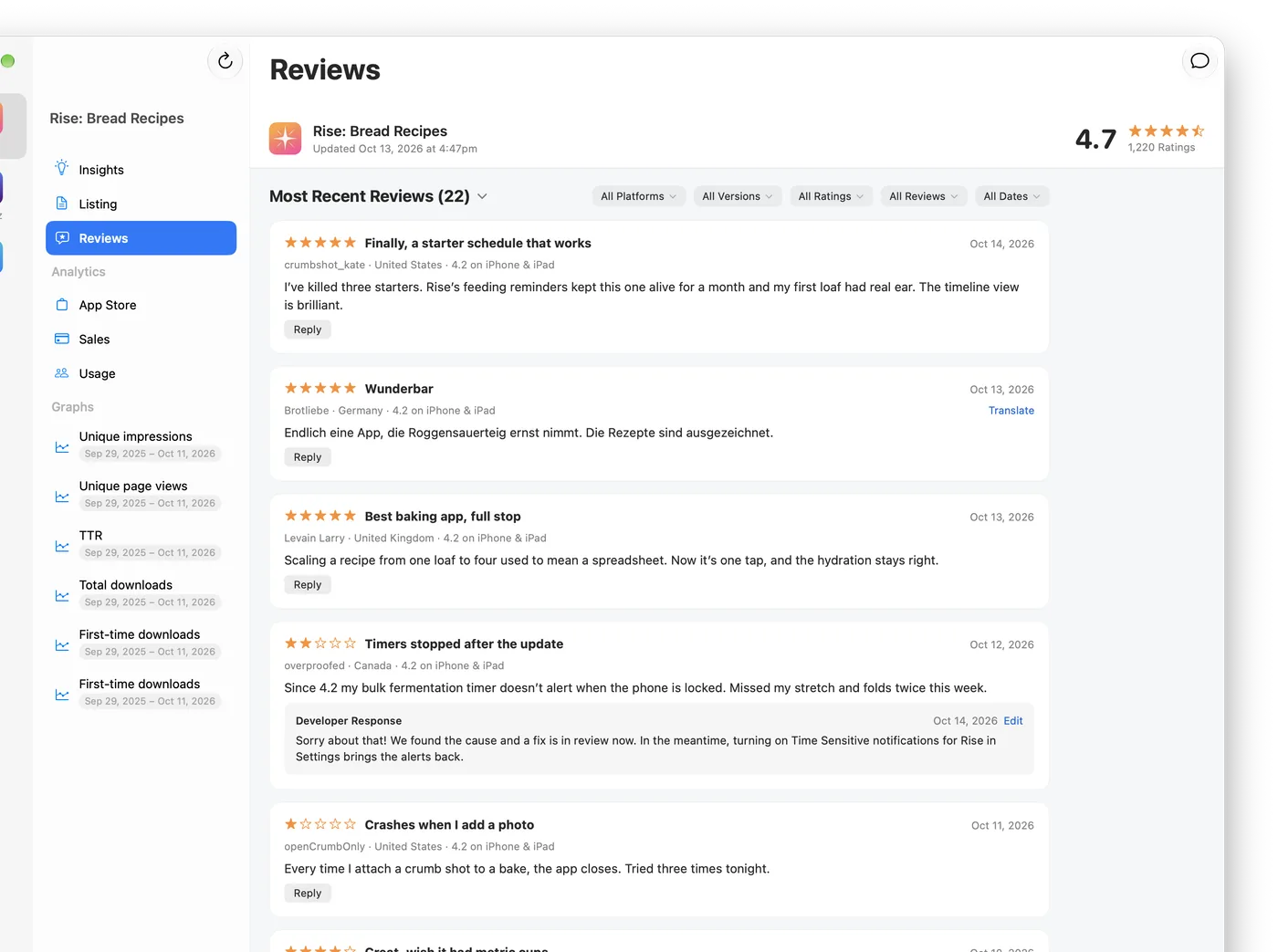
Read every written review and reply right from AppTraction. AI can translate reviews in other languages, suggest replies, and translate your reply back into the reviewer’s language.
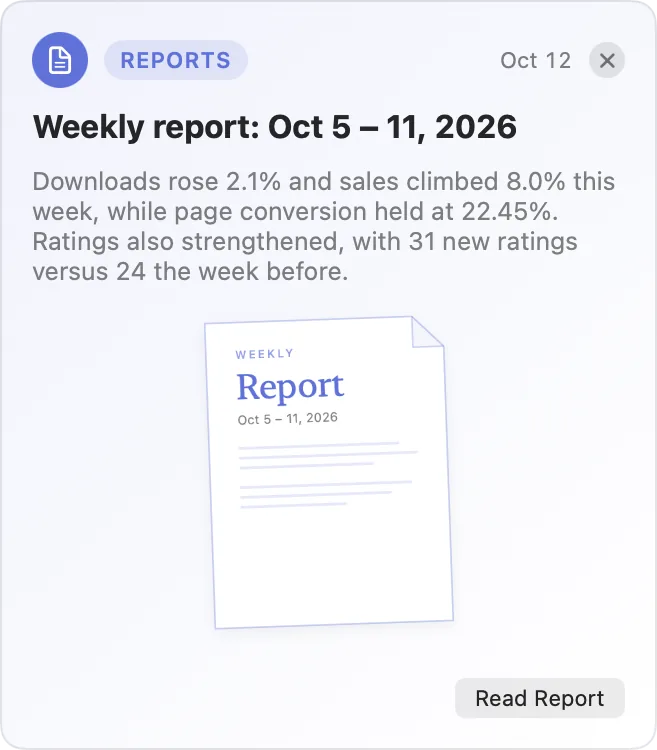
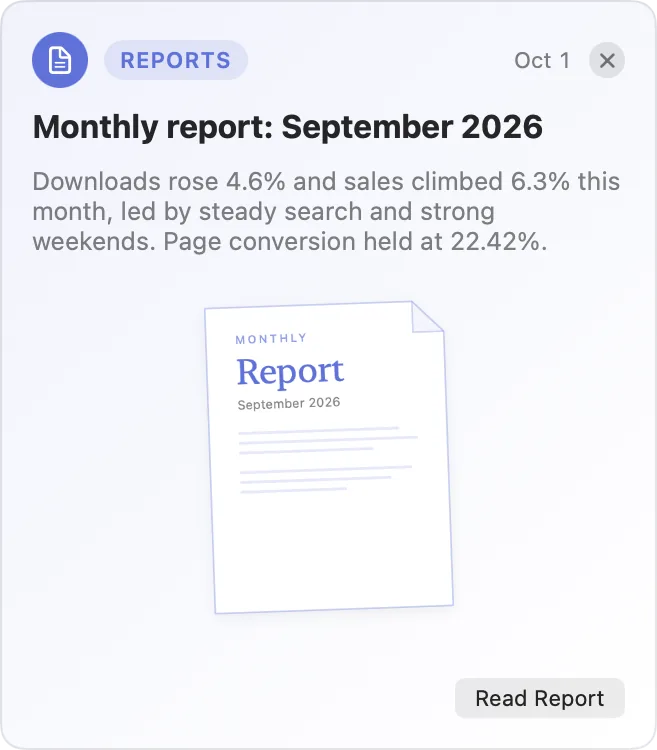
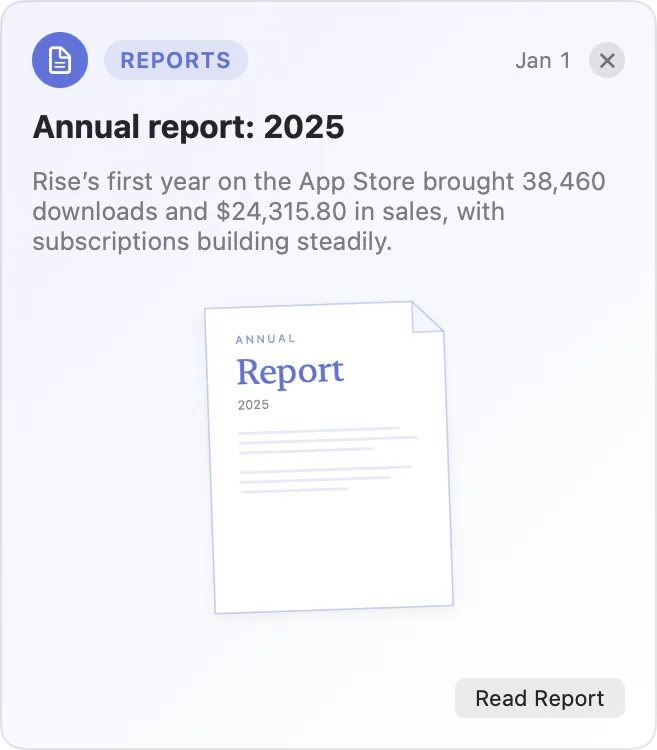
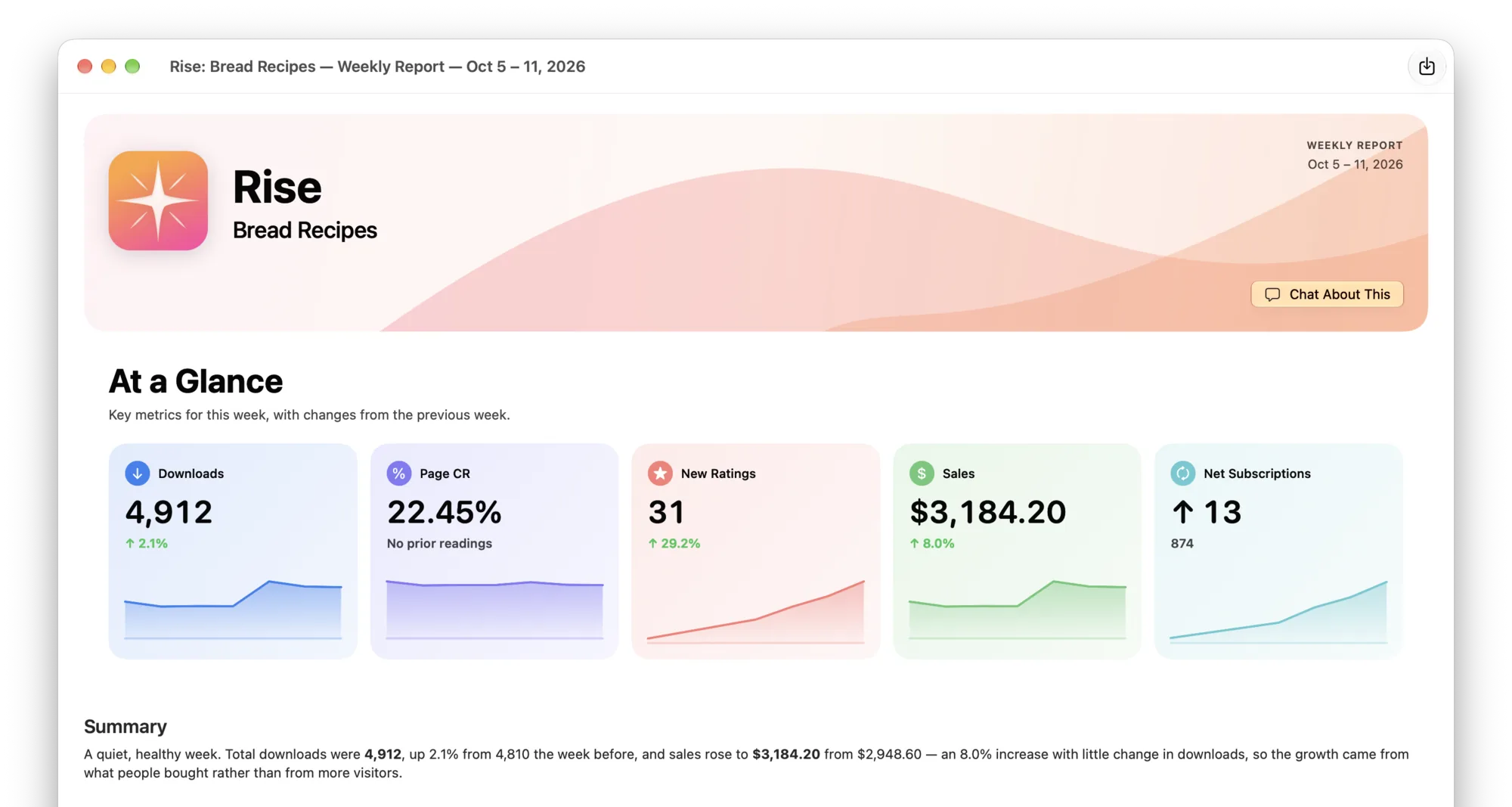
AppTraction can write a report for every week, month, and year. Each one covers downloads, conversion, ratings, and sales, side by side with the previous period.
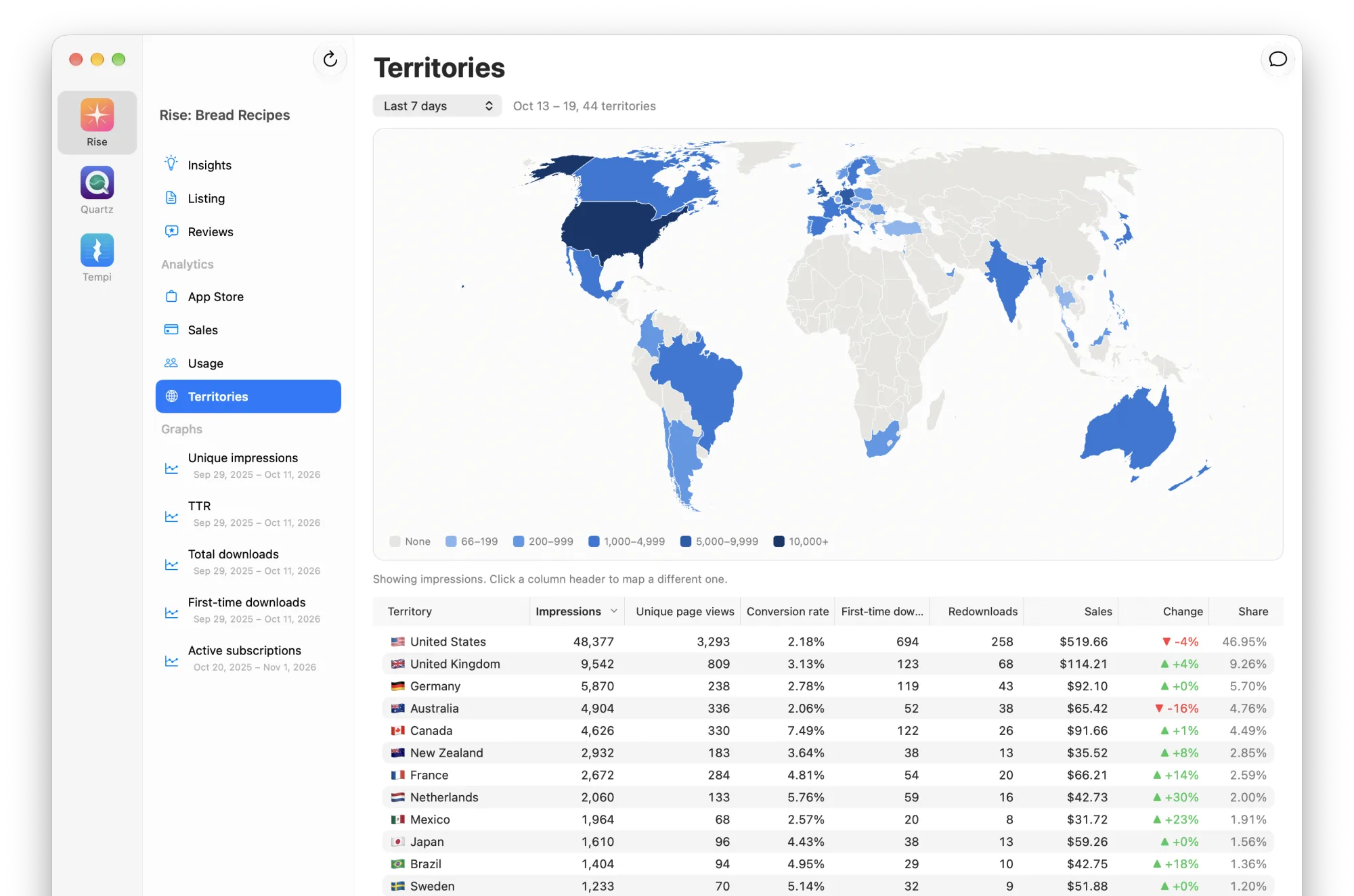
See every App Store country on one map, color-coded for performance. Hover over any of them for the numbers.
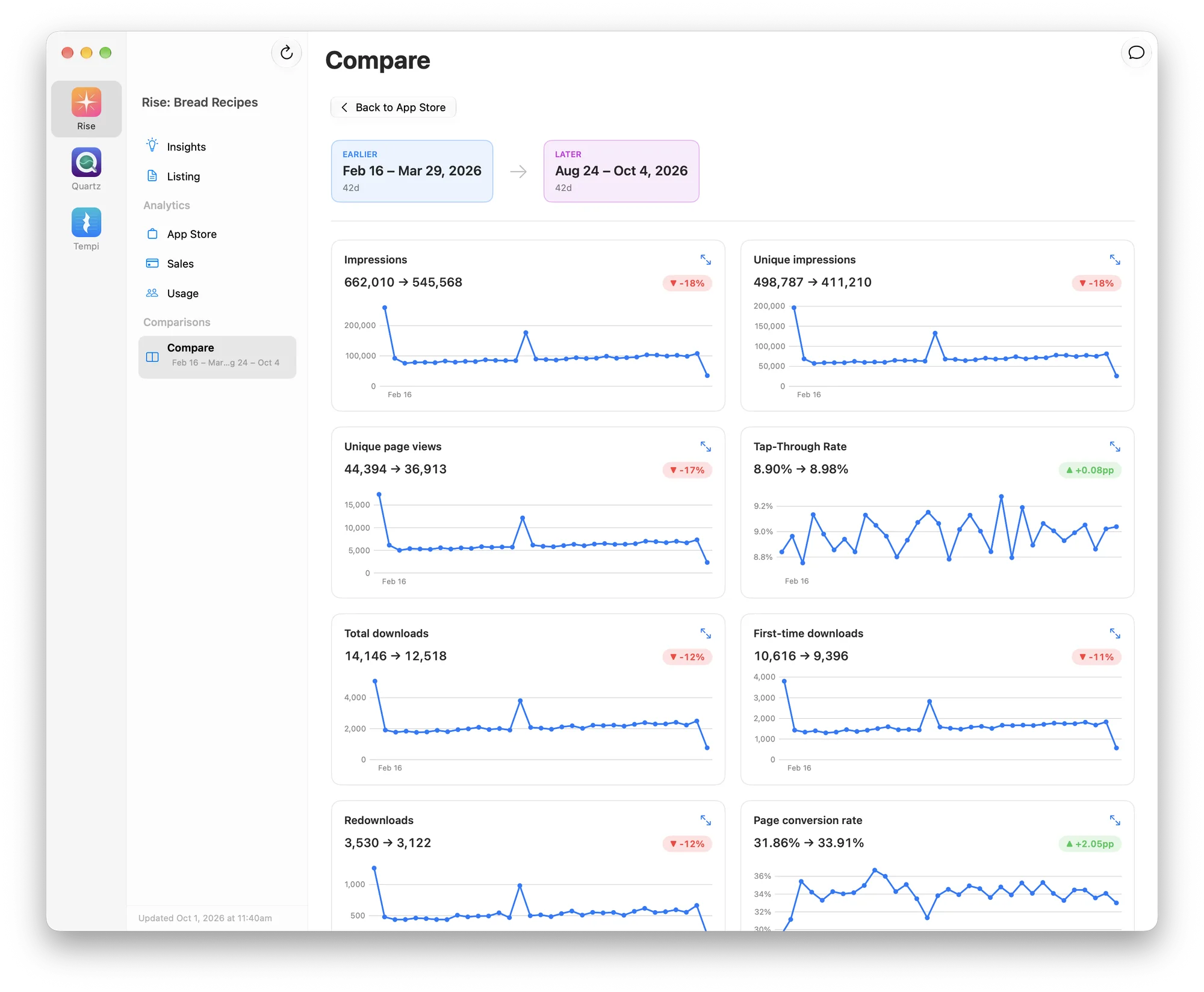
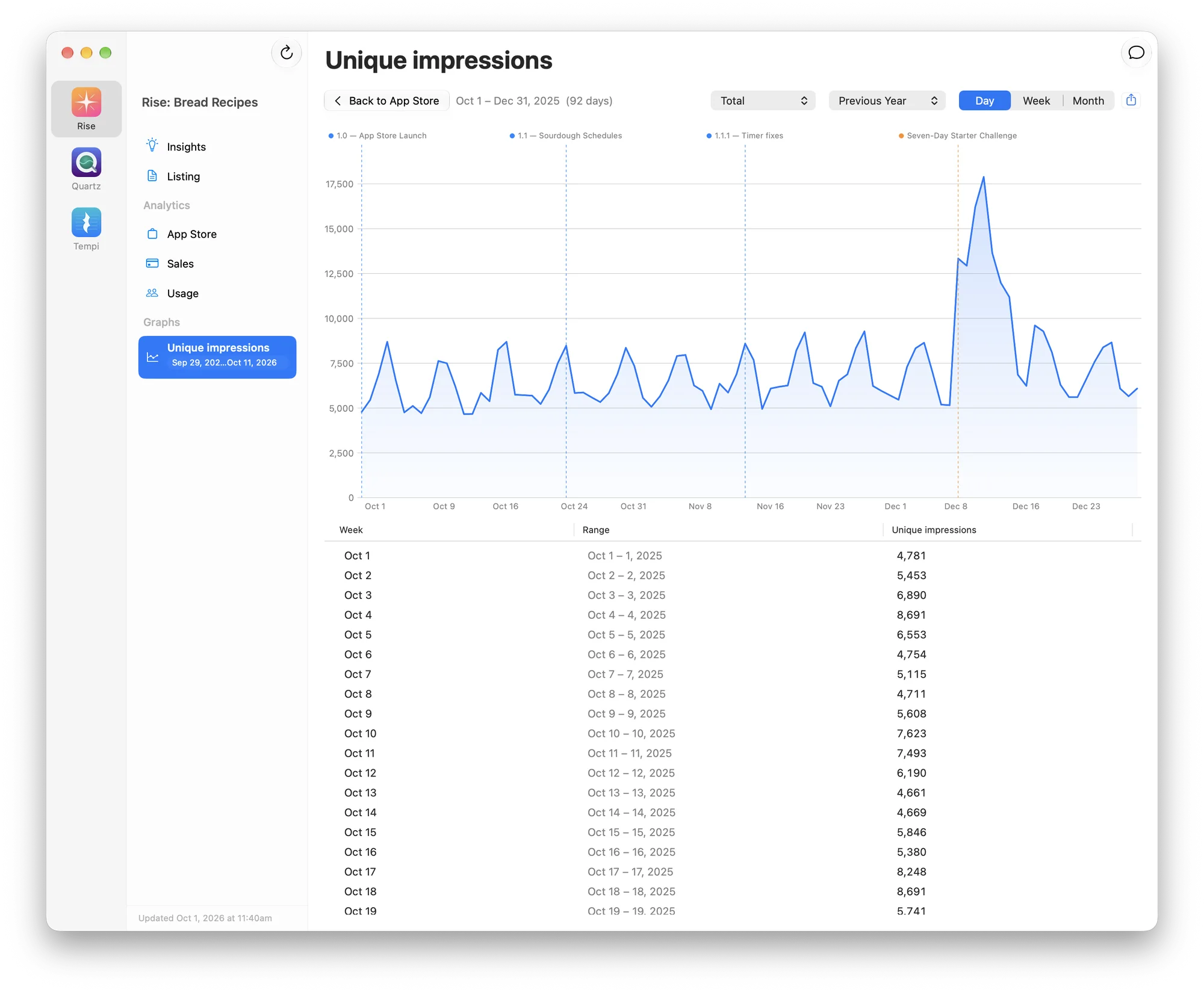
After the initial sync with Apple, all data is cached locally on your Mac, so tables and graphs will appear instantly. Switch between day, week, and month, compare any two periods, and see releases and events right on the timeline.
Start with a free 14-day trial including all features, for all your apps and accounts. No credit card required.
$6.99 per month
Cancel anytime.
Start free trialBest value
$39 per year
Save 53% compared to monthly.
Start free trial$99 once
Pay once and keep it forever.
Start free trialNot sure yet? Download the free trial. Prices are in US dollars. Sales tax or VAT will be added where required. Orders are handled by our reseller, Paddle. AI features use your own AI provider account. See our terms and refund policy.
For chat, reports, and listing suggestions, yes. AppTraction doesn’t run its own AI service. It uses a provider you already have: Claude Code from Anthropic, Codex from OpenAI, or OpenRouter. Usage counts against your own plan with them.
No. Your data is downloaded from Apple to your Mac and stays there. It never passes through our servers. When you use AI features, the data needed for your request goes straight to the AI provider you chose.
An App Store Connect API key. The simplest choice is a single Admin key, however if you’d prefer to limit access, use a Sales and Reports key for analytics, plus a Marketing key for your listing. Only your team’s Account Holder or an Admin can create keys. Integrating with App Store Connect is covered in more detail in the docs.
Your listing and ratings will show up right away. Apple will usually start sending analytics within a day or two, but importing all of your history can take up to 4 days. Add your vendor number to see a year of downloads and sales within minutes. While you wait you can improve your listing, answer reviews, and explore the demo app.
Yes. Add as many App Store Connect accounts as you like, choose which apps to track, and switch between them from the sidebar.
Only how you pay. Monthly, Annual, and Lifetime all include every feature.
Download AppTraction and use everything free for 14 days. No card needed. When you’re ready, pick a plan.
Yes. If AppTraction isn’t right for you, ask for a refund within 14 days of paying and you’ll get your money back, no questions asked. See the refund policy for how.
Open AppTraction on any Mac you’ve used it on and go to Settings › License. Or enter the order ID from your Paddle receipt on the Find my key page.
In AppTraction, go to Settings › License and choose Manage Subscription. You can also manage your subscription on Paddle’s site, using the email you bought with.
Any Mac running macOS 26 Tahoe or later.
Free for 14 days. Requires macOS 26 Tahoe or later.